01
Barcode billing
Find an item by barcode or name, apply permitted discounts, record Cash, UPI or Card payments, and print the bill.


Every size. Every colour.
One place to run your shop.
Vastra brings your clothing catalogue, checkout, stock and returns into one browser-based POS. Spend less time switching between records and more time serving the customer in front of you.
30-minute call with Meet · See the workflow and discuss pricing
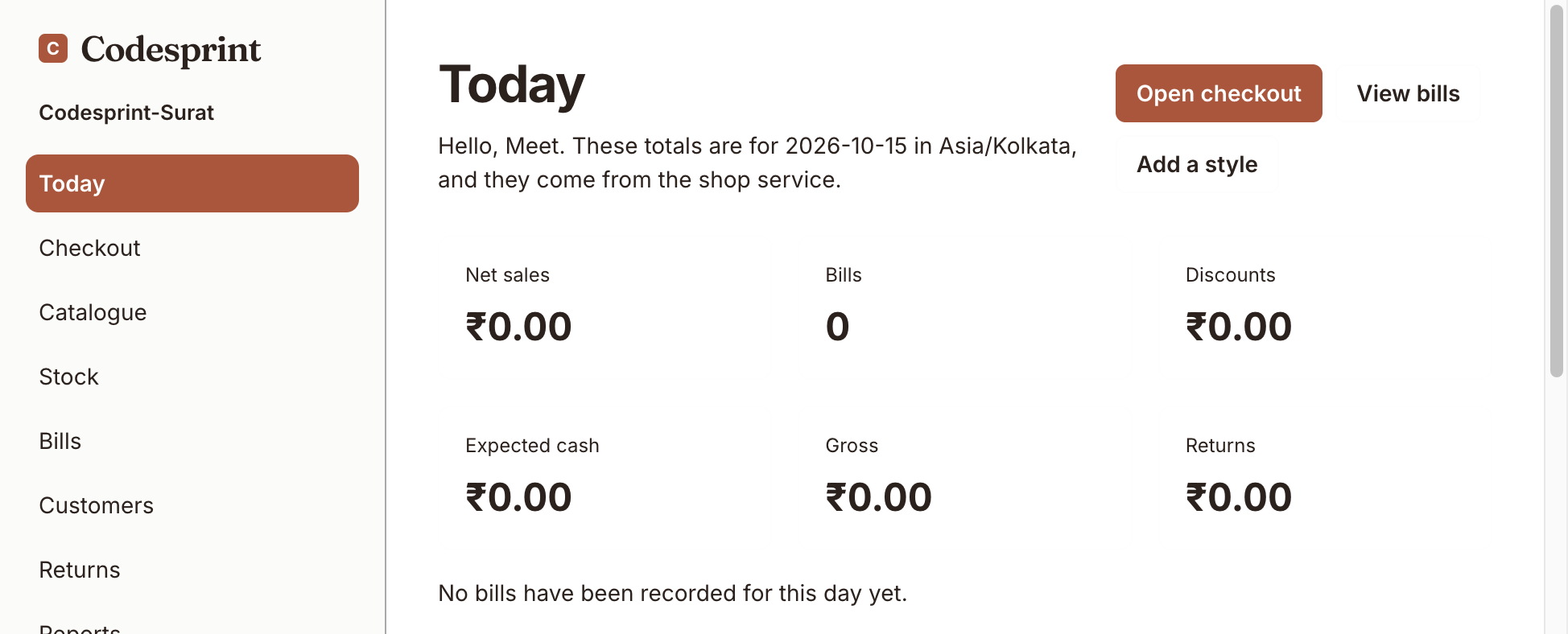
Keep the tasks your shop team uses every day in one system.
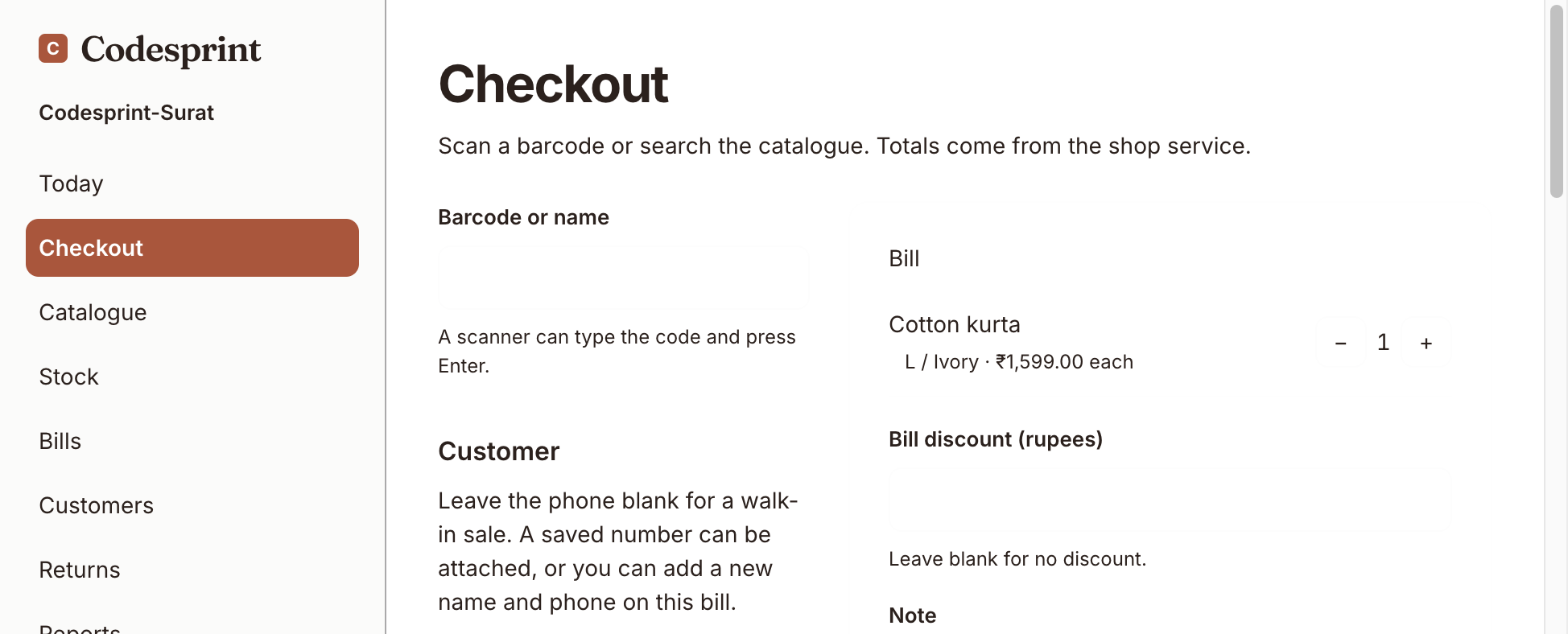
Find an item by barcode or name, apply permitted discounts, record Cash, UPI or Card payments, and print the bill.
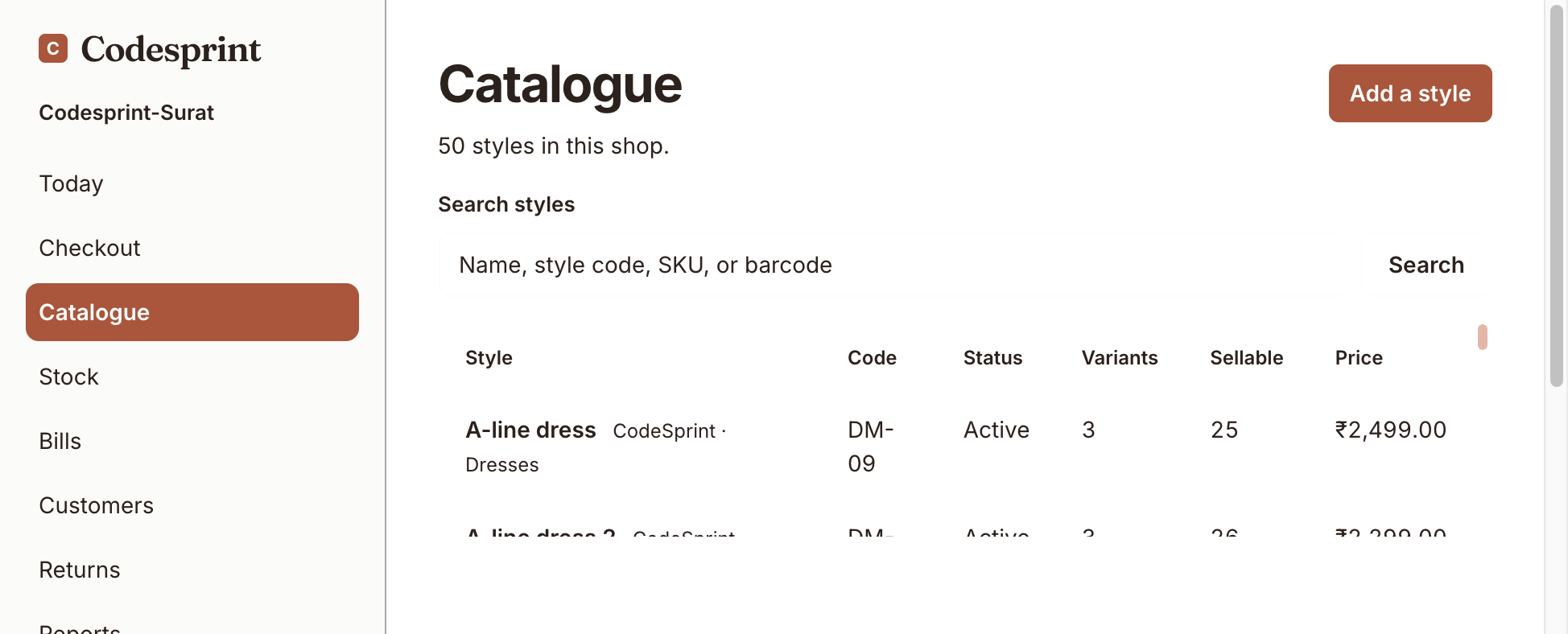
Create styles and variants, set MRP and selling prices, and add your catalogue manually or through CSV import.
See sellable and damaged quantities separately. Check low-stock and out-of-stock items, and record stock adjustments.
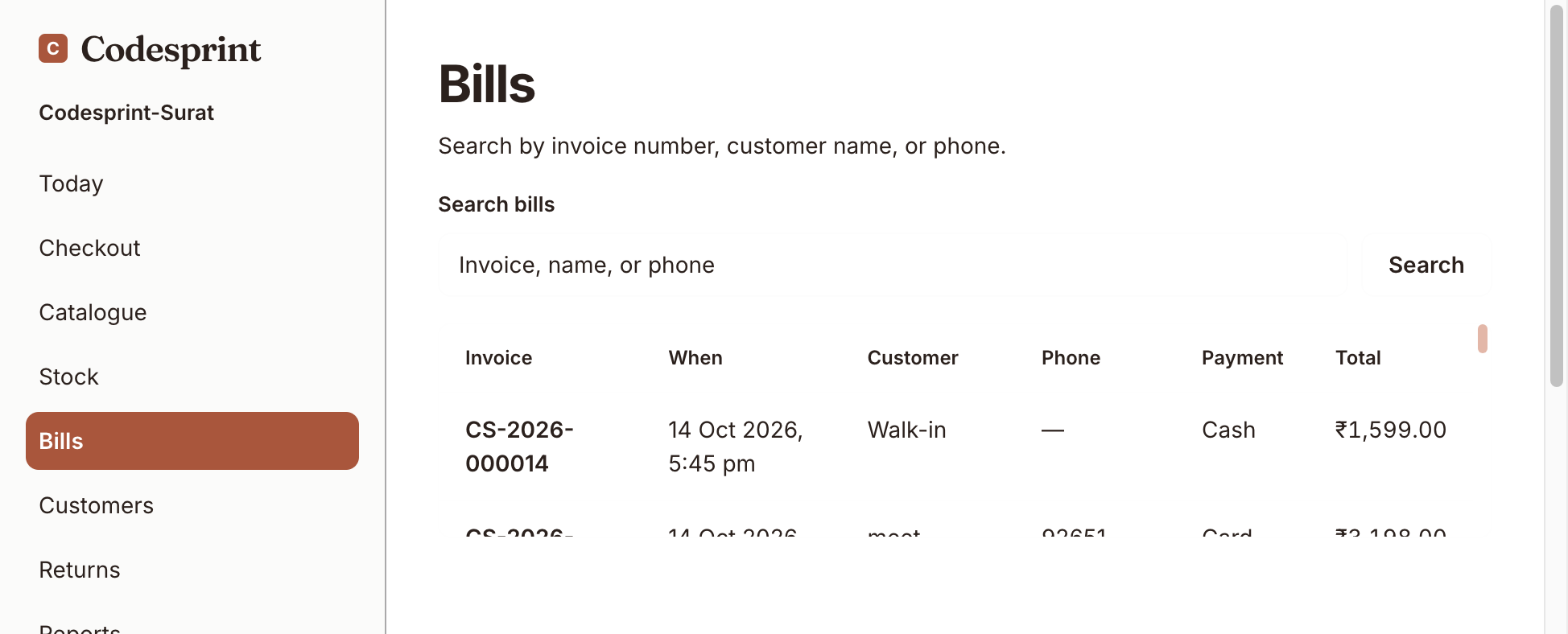
Find past bills, reprint A4 invoices and record where returned stock should go. Handle the price difference on exchanges.
Attach a customer to a bill using their phone number and review their purchase history when they return.
Review sales by period, export reports as CSV, and use Owner, Manager and Cashier roles with an audit trail.
Product screenshots show the register, catalogue, stock, bills and reports. Book a demo to see how these screens fit your shop's work.
Find an item by barcode or name, record the payment and print the bill. Reprint past invoices when a customer needs them.
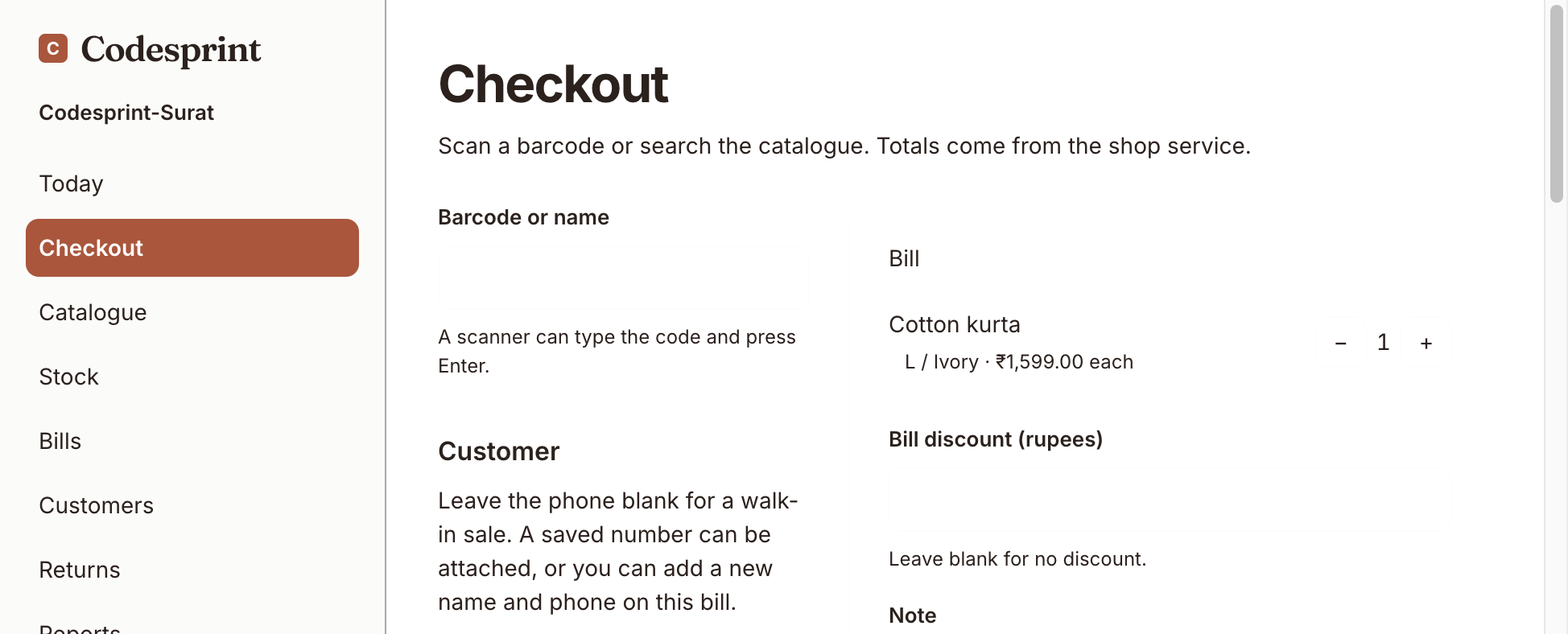
See sellable and damaged stock separately. Track size and colour variants, low-stock items and adjustments.
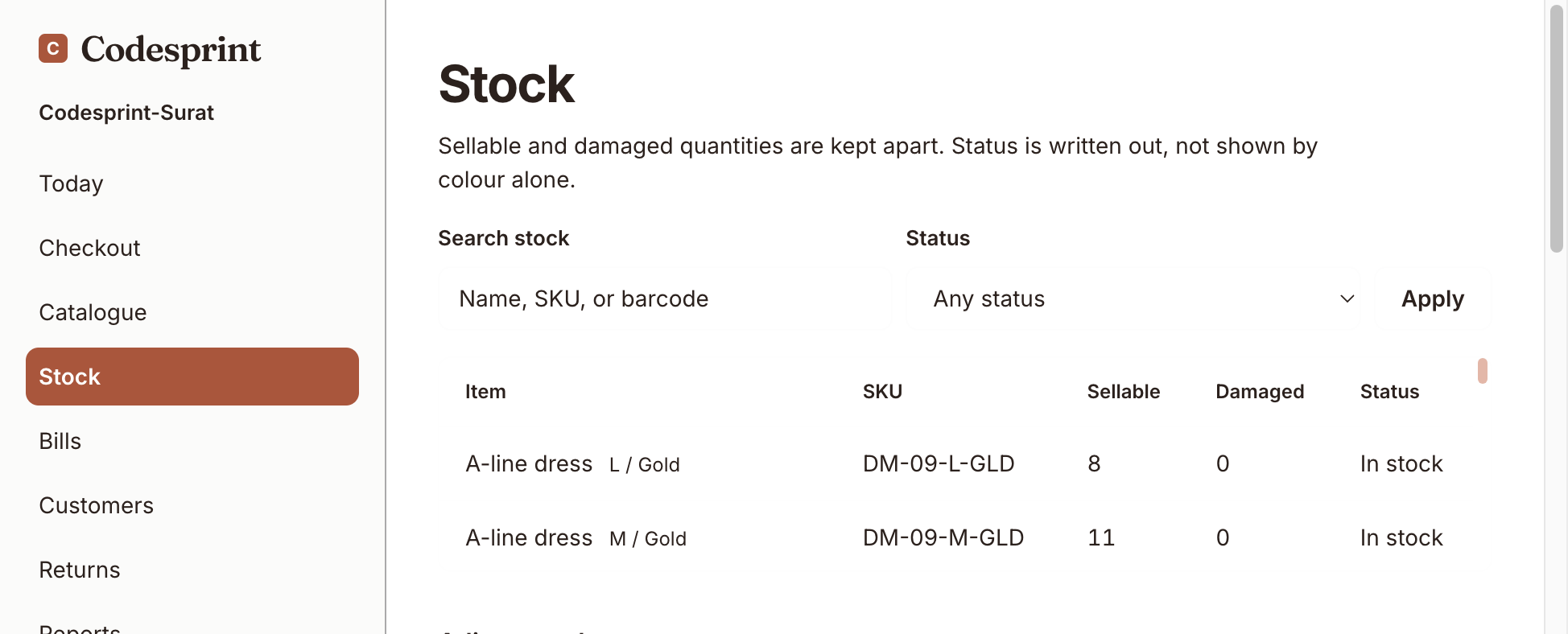
Review sales by period, discounts and returns. Export reports as CSV and check daily totals.
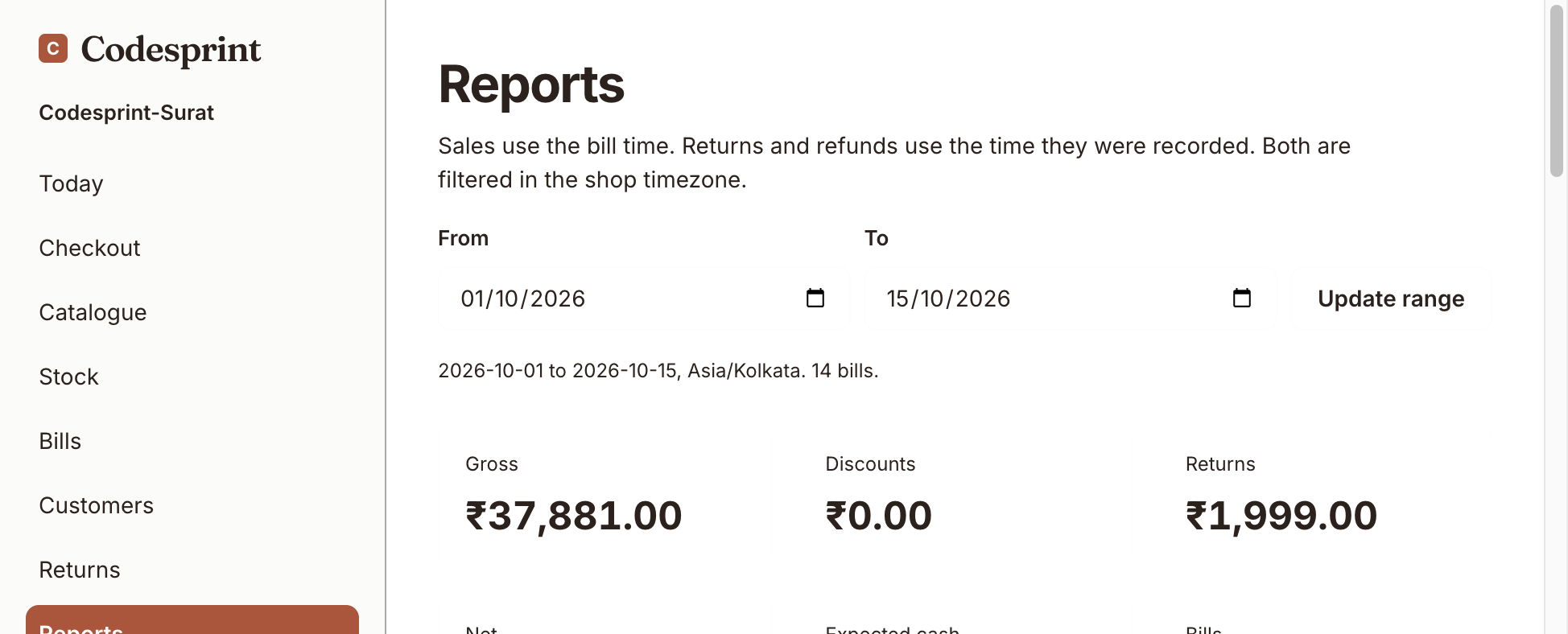
Check daily totals, best-selling items and cashier activity. Keep sellable and damaged stock separate, review the audit trail, and choose what each staff role can access.
Language support applies to the owner Ask assistant for questions about your shop data.
Daily totals, best-selling items and reports.
Owner, Manager and Cashier roles.
Review adjustments and staff activity in the audit trail.
Contact us about your store before setup, then work through these steps.
Add your shop details, GSTIN and billing preferences.
Import a CSV or enter styles, sizes, colours, barcodes and prices.
Set up managers and cashiers with the right roles.
Use checkout, print invoices, handle returns and review sales.
What it does, how it works and what to discuss on your demo.
Vastra is built for independent clothing shops, boutiques and similar retail stores in India. It brings billing, size and colour stock, customers and reports into one workspace.
Yes. Add clothing styles with size and colour variants, set their barcodes and prices, and track stock for each variant.
Yes. USB scanners that type a barcode and press Enter work at checkout. Staff can also search by barcode or product name.
No. Vastra records Cash, UPI and Card payments against each bill, including split payments. Customers still pay through your existing cash, UPI or card setup. Vastra is not a payment gateway.
Set your shop GSTIN and applicable GST slabs in settings. Vastra stores the tax details with each bill for A4 invoice printing and reprinting. You are responsible for choosing the correct tax settings; the software does not provide tax advice.
Yes. Record a return and choose whether the item goes back into sellable stock, damaged stock or neither. Exchanges track the difference between the returned and replacement items.
Yes. Book a 30-minute demo with Meet from Codesprint Consulting. We can walk through your store's workflow and discuss setup and pricing before you decide.
Book a 30-minute demo with Meet, review the stock screens and bring us your questions. We can discuss your store's workflow, setup and pricing before you decide.